 verselab
Capture ideas on iPhone
Write the first lines as soon as inspiration shows up.
When an idea hits, open verselab, sketch your lines, and polish them with AI support that still sounds like you.

Open the app, start a draft, keep your momentum.
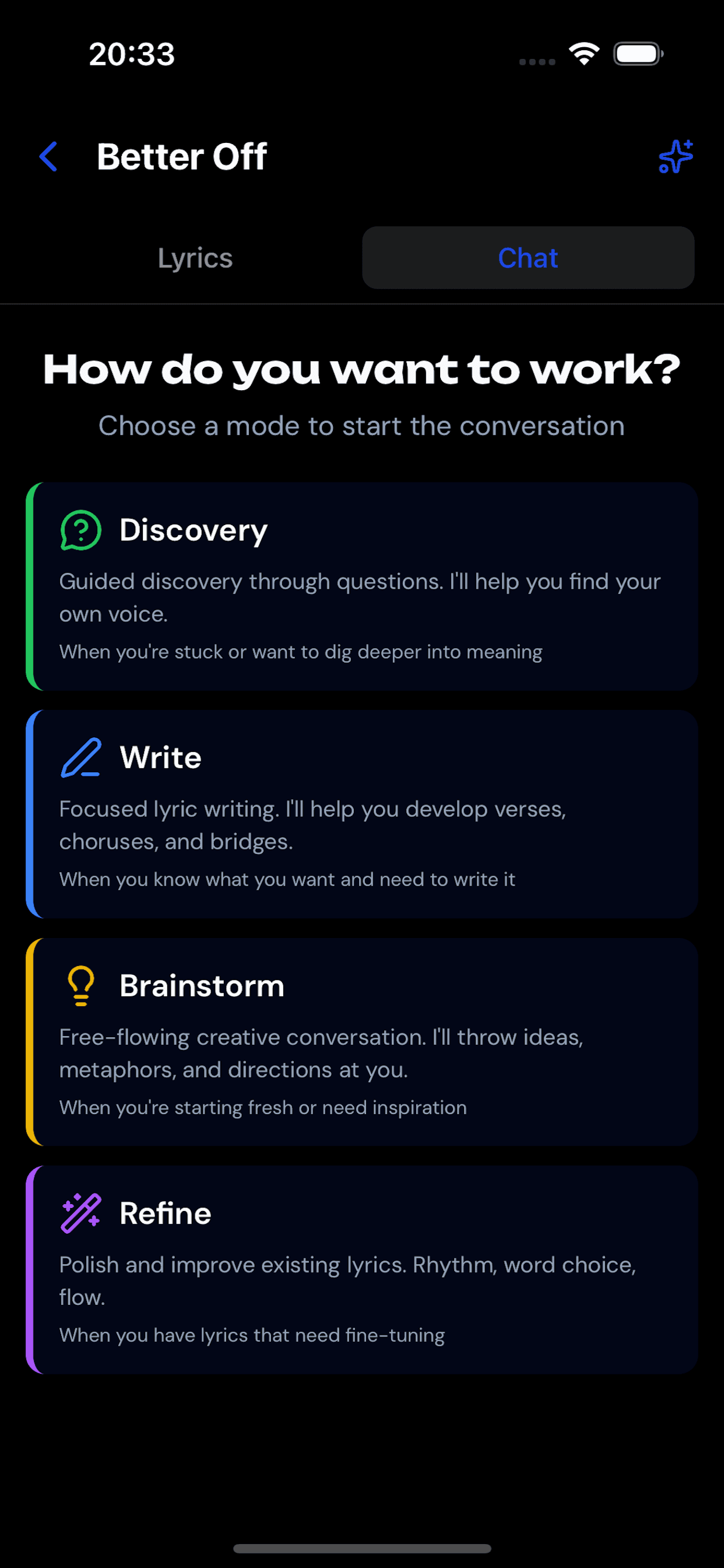
Real writing workflow: draft, rewrite, and polish in one iPhone app.
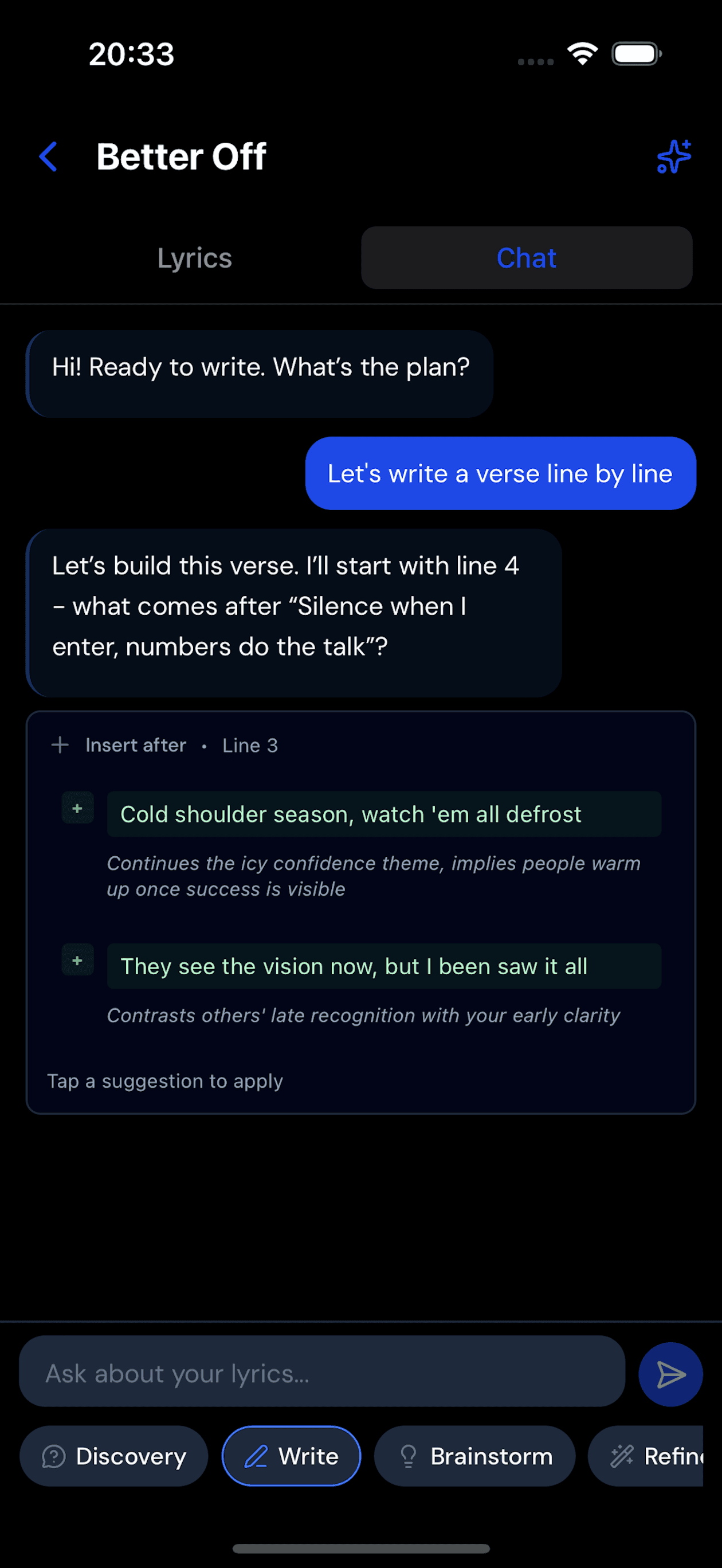
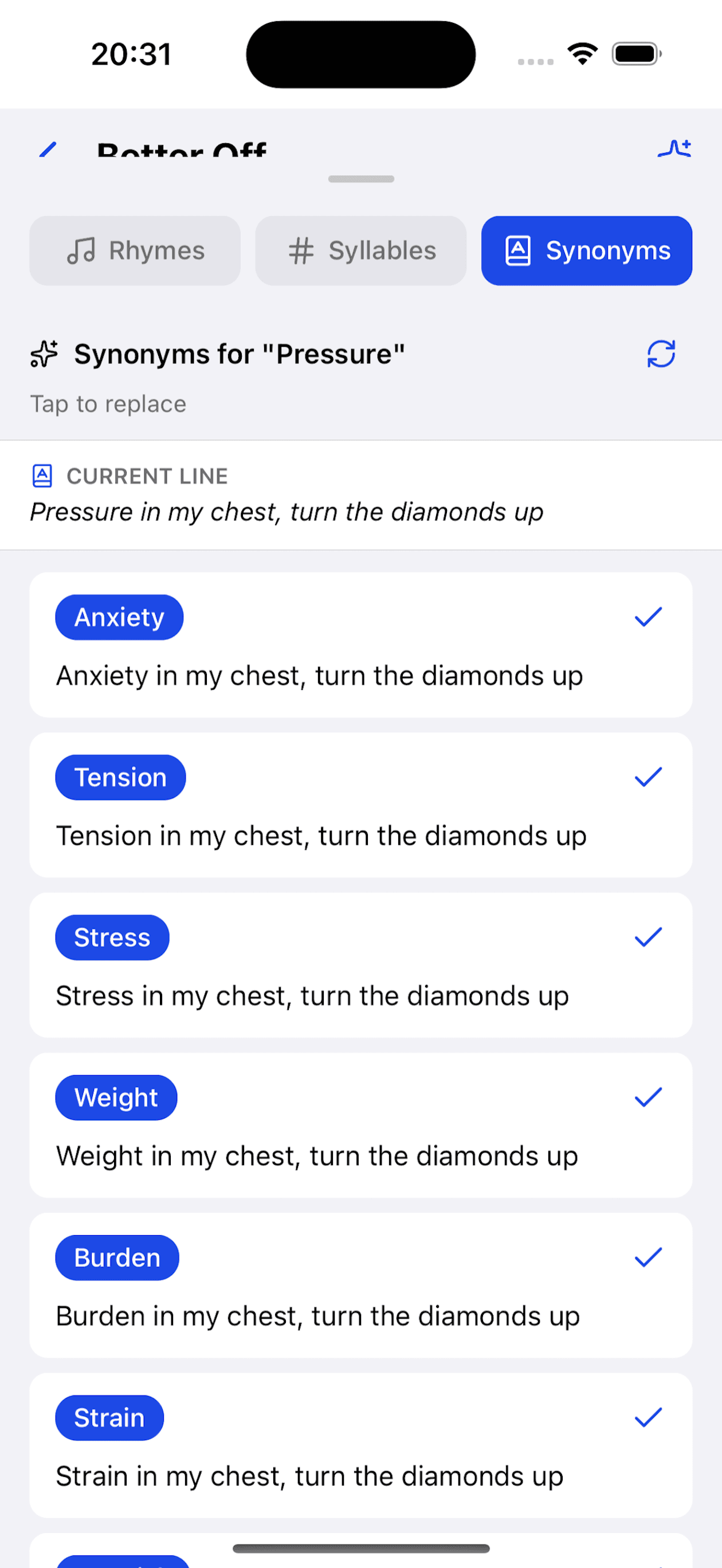
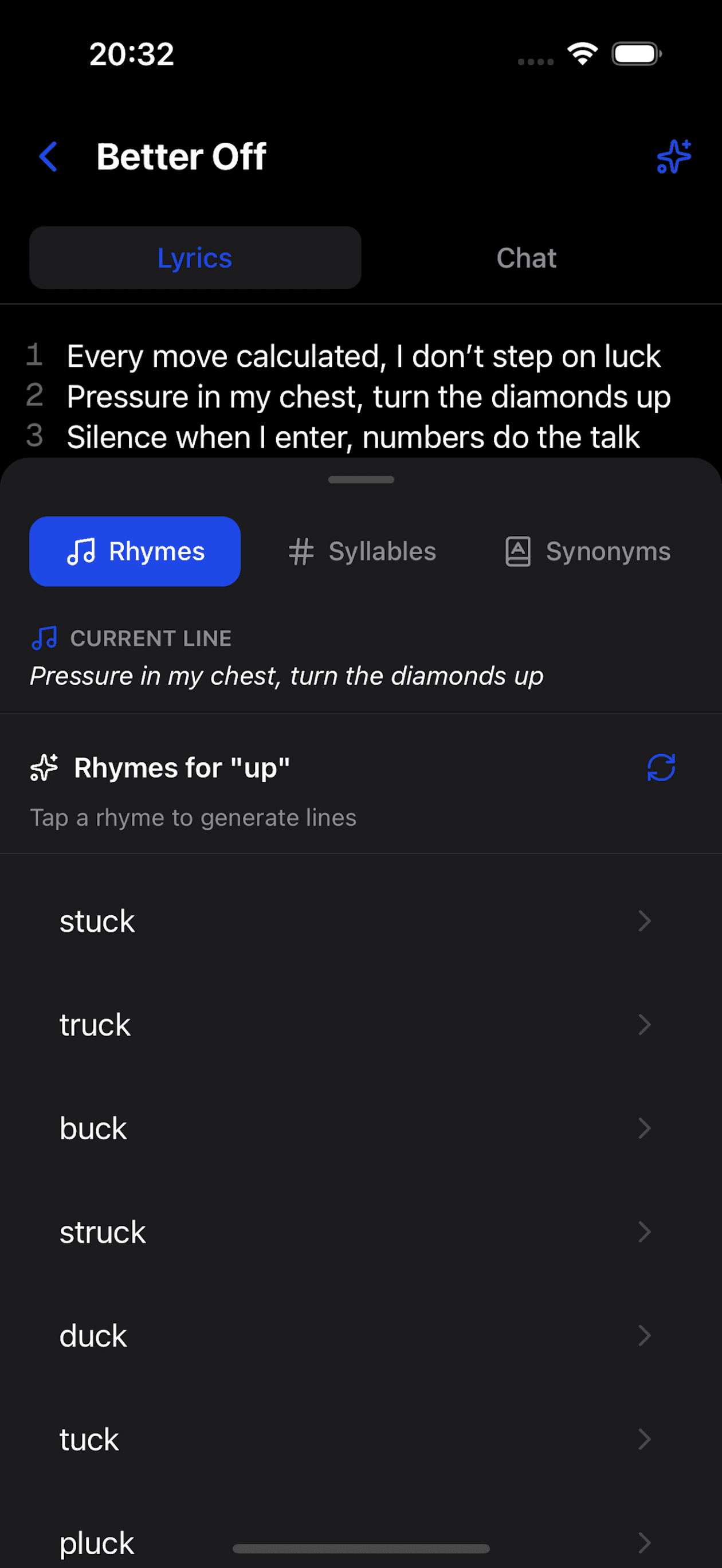
Write the first lines as soon as inspiration shows up.
Tighten wording, rhythm, and clarity without rewriting everything.
Turn rough notes into complete sections you can actually use.
Get better line options that still match your idea and tone.
Your lyrics improve while staying yours.
Find stronger words and rhymes when a line feels flat.
You stay in flow instead of getting stuck.
Move from rough lines to clean sections in one session.
You finish more drafts from mobile sessions.
Keep your draft, edits, and AI help in one place.
Less switching means more writing.
Install verselab from the App Store on your iPhone.
Drop your first idea and set the vibe of your song.
Use AI tools to rewrite, tighten, and finalize your lyrics.
Yes. You can start from snippets and build full sections until the whole draft is done.
No. You choose what to keep, and the tools are designed to support your style, not replace it.
Yes. This landing is focused on the iPhone app available in the App Store.
Yes. You can rewrite, trim, and improve single lines as you go.
Install verselab and turn rough lines into polished lyrics on your iPhone.

Your next draft can start in under a minute.